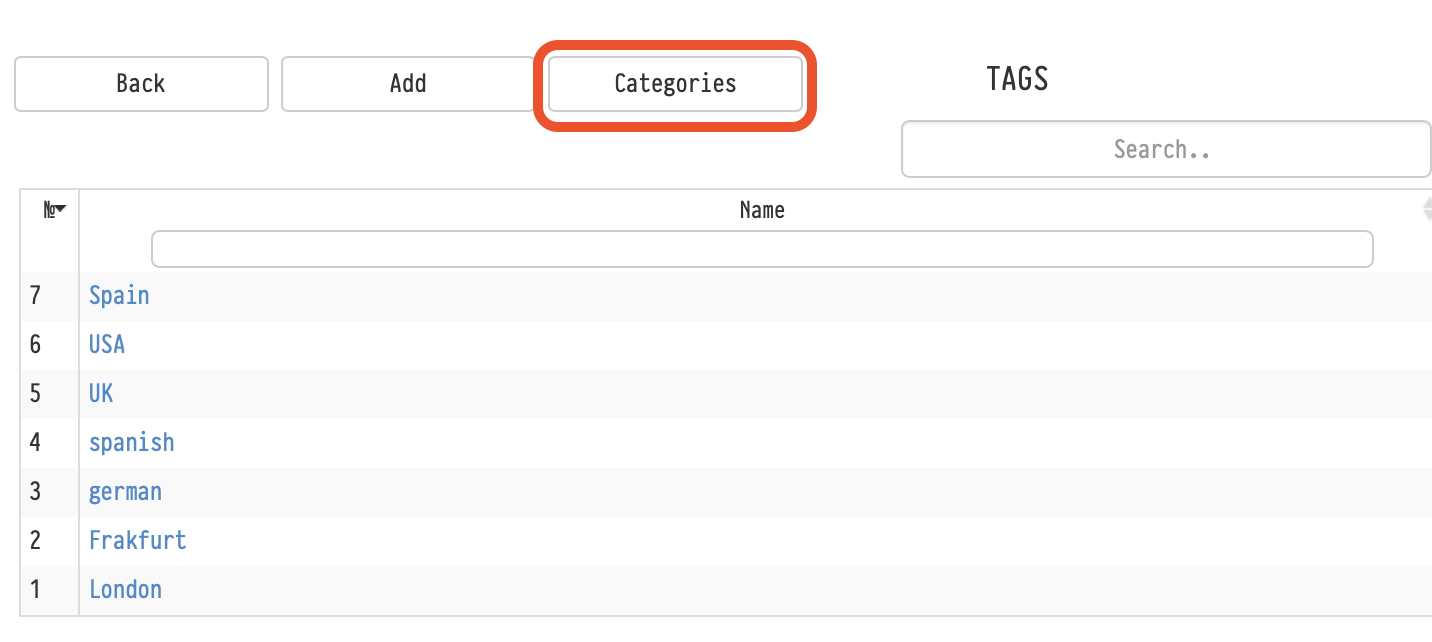
The system provides tools for structuring the employee base.: roles, tags, and tag categories.
They help organize employee information, simplify search, and use data in projects.
Roles
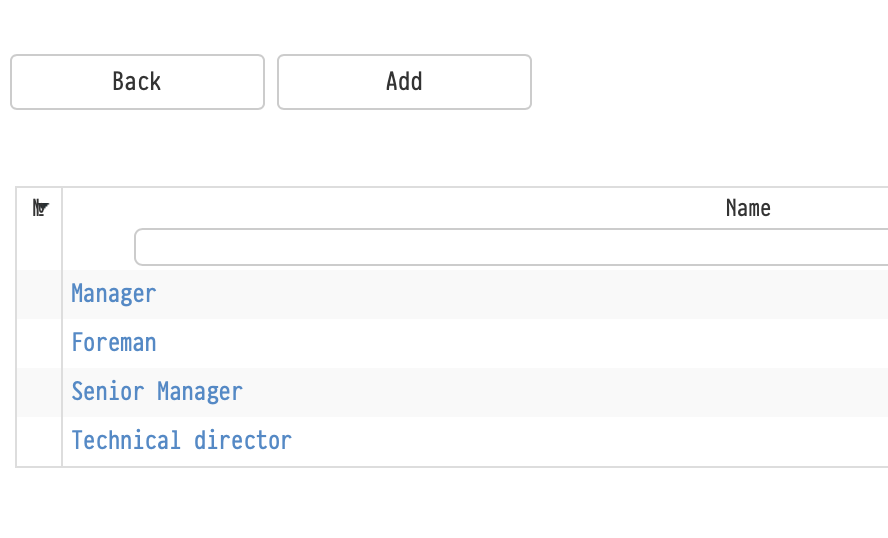
Employees can perform various roles in projects, for example:
- Technical Director
- Project manager
- Foreman, etc.
Roles are created in the section:
Employees → Options → Roles
Where are the roles used?
Roles are applied in several places of the system:
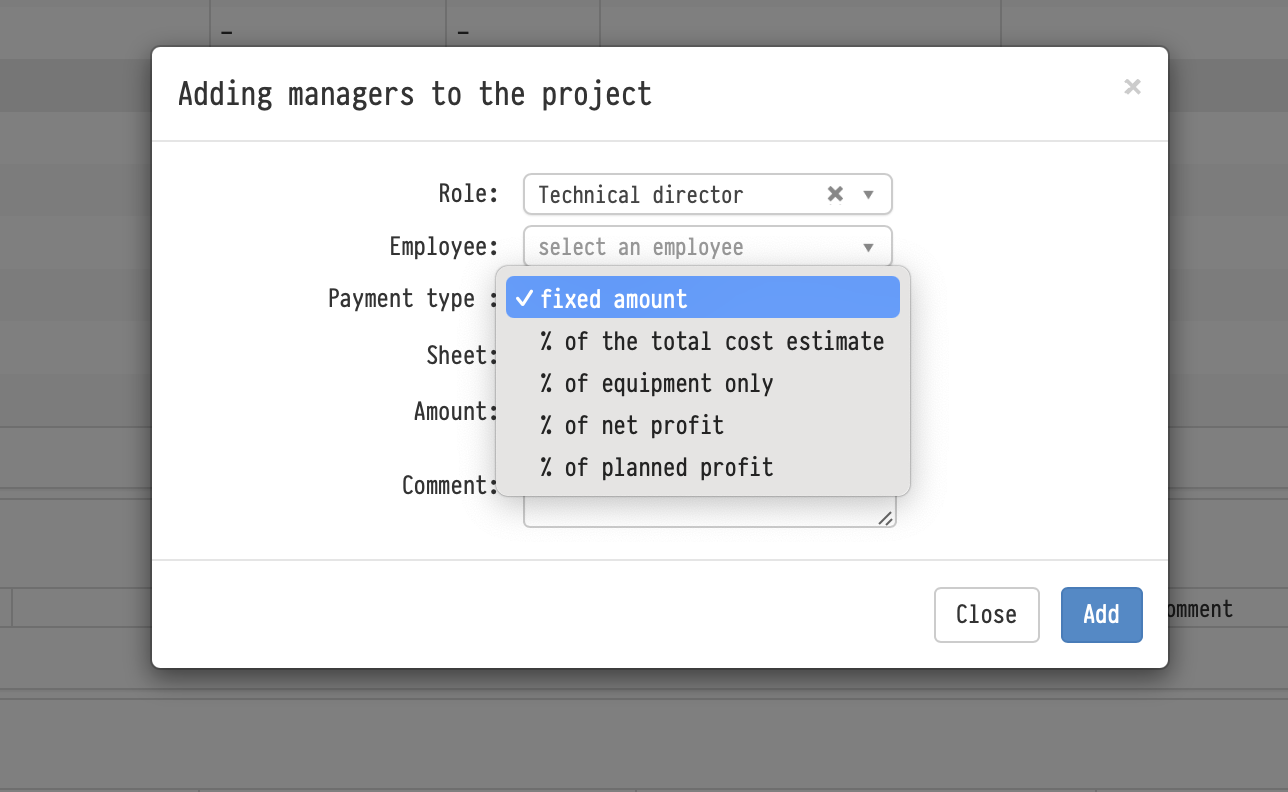
1. Project planning (Project Management)
Allow you to:
- assign employees to roles
- set an additional bid
- specify the percentage of the project
2. The "Information" tab of the project (the "Responsible" field)
Allow you to:
- assign responsible persons with reference to the role
- structure the key project participants
3. Search and analytics
By roles, you can:
- to search for projects in the "Tables" section
- analyze the distribution of roles across projects
Tags
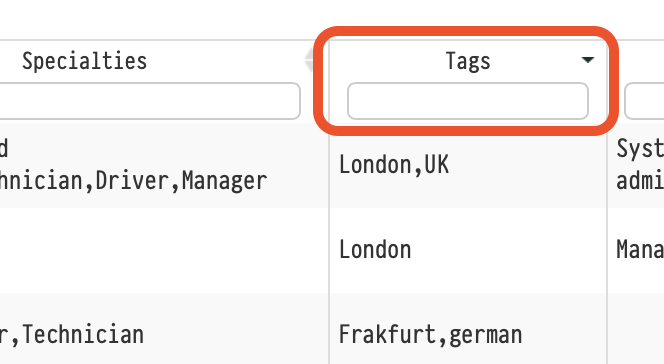
Tags are used for additional classification of employees.
They help:
- navigate the "Employees" database
- quickly find the right employees
- filter the list
A separate filter is available for tags in the employee table (search in the "Tags" column).
Where are the tags used?
Tags are applied:
1. The "Employees" database
- filtering and searching for employees
2. Creating passes
- the ability to filter employees by tags when creating passes
3. The Personnel module (top menu)
- filtering employees when working with staff
Tag categories
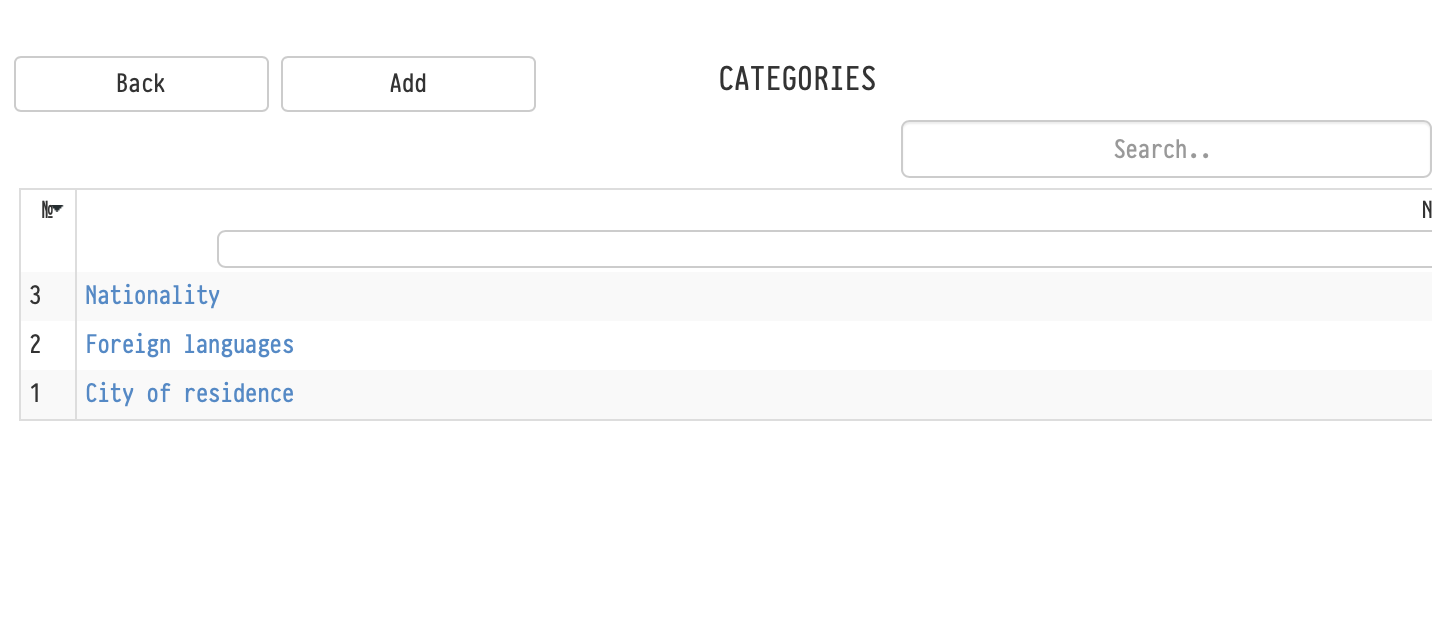
For convenience, tags can be grouped into categories.
Categories are created in the section:
Employees → Options → Tags → Categories
Examples of categories:
- Citizenship
- Foreign languages
- City of residence
This allows you to:
- structure tags
- simplify navigation
- maintain order in the database
Notes
- one employee can have multiple tags
- roles and tags are used independently of each other
- roles are used in the project logic, tags are used for classification and filtering.