
The repair report is in the section Analytics and is designed to monitor repairs of equipment and components, as well as analyze maintenance costs.
You can use it to track the repair history and estimate expenses for a selected period.
Data source
The report is based on the “Send to service center” action, which can be performed::
- from the SKU card
- or from the list of faulty items
When sending to the service center, the following data is recorded:
- service center
- reported issue (comment)
- planned repair cost
When the item is returned from repair, the following is added:
- completed work
- actual repair cost
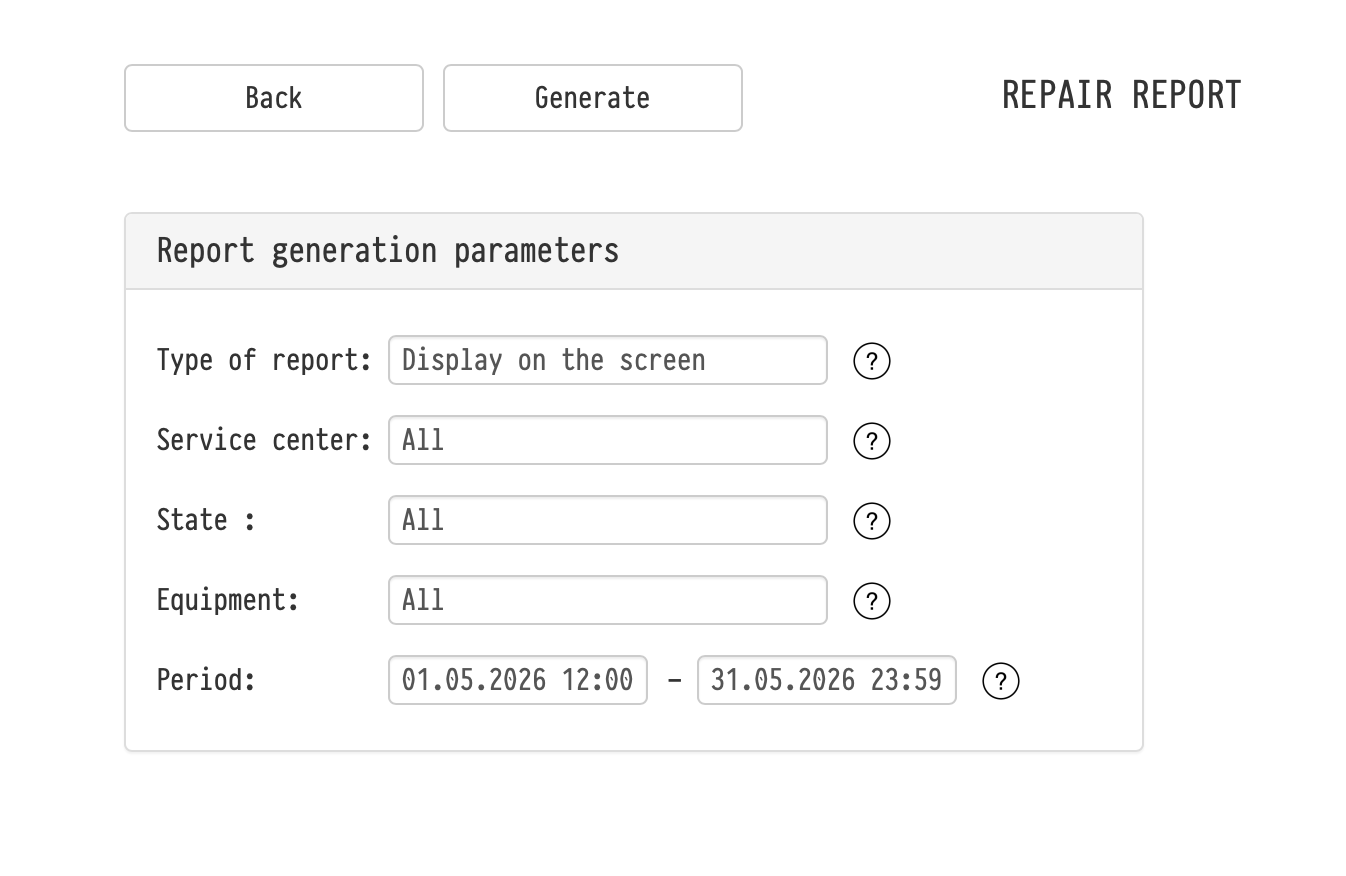
Report generation parameters
Before generating the report, you can configure:
- Type of report — display on the screen or export to Excel
- Service center — filter by a specific service center
- State —
- in repair
- ready
- Equipment — select:
- the entire catalog
- specific sections, subsections, or entries
- or even a specific SKU
- Period — time interval for analysis
Report structure
Each row represents a single repair instance.
If the same SKU has been repaired multiple times, it will appear in multiple rows.
The report includes:
- SKU number
- Name
- Model
- Service center
- Repair status
- Shipment date
- Return date
- Reported issue
- Completed work
- Planned repair cost
- Actual repair cost
At the bottom of the report, totals are displayed:
- total planned repair cost
- total actual repair cost
Notes
- The report includes:
- equipment
- components
- Consumables are not included, as they are not sent for repair
- The “ready” status allows you to track completed repairs and analyze historical data
- The report can be used to:
- analyze repair costs for a specific SKU
- evaluate expenses by service center
- track cost trends over time
Key concepts
Repair, Service center, Report, Analytics, SKU, Equipment, Components, Cost, Expenses, Repair history